TravelBuying guide
Deutschlandticket on your phone: apps, ID and what the small print says if it dies
How to carry a Deutschlandticket on your phone: which apps hold it, what the wallet question looks like, what ID to show and what happens if the battery dies.

In this guide11 sections
- 01The ticket is you, and the phone is only the envelope
- 021. Find out whether you hold a phone ticket or a chip card
- 032. Decide which app holds the ticket
- 043. Treat wallet support as something to confirm, not assume
- 054. Open the ticket before the inspector reaches you
- 065. Carry the photo ID, even if you think it is overkill
- 076. Do not rely on a screenshot
- 087. Know what the small print says if the phone dies
- 098. Check where it is valid and what changes in January
- 10The pocket checklist
- 11One last note in the margin
The ticket is you, and the phone is only the envelope
Most train tickets are bearer documents. Whoever holds the paper rides. The Deutschlandticket is the opposite: a personal monthly subscription, tied to a registered name, and for most buyers it exists only as a QR code on a screen. DB's own wording is blunt: it is sold "nur digital als Handy-Ticket oder je nach Tarif als Chipkarte", meaning only digitally as a phone ticket or, depending on the tariff, as a chip card. Margin note: the "depending on the tariff" clause carries more weight than it looks.
This piece reads that small print as a visitor or new resident would need it. What follows rests on DB's published FAQ and offer pages and on press coverage of the conditions, each labelled as such. Where the sources go quiet, the text says so. The eight numbered notes below end in a pocket checklist.

1. Find out whether you hold a phone ticket or a chip card
Everything else depends on this. DB says the chip card is offered only where the local network or state tariff offers it, and that a chip card cannot be added to DB Navigator as a Handy-Ticket ("Chipkarten können nicht als Handy-Ticket hinzugefügt werden"). If your operator issued a card, the card is your ticket and the app is irrelevant. It suits people who dislike carrying their ticket in a battery.
The catch is that the card is not offered everywhere: whether you can get one depends on your local network or state tariff. Check what your seller actually issued before you plan your journeys around either form.
2. Decide which app holds the ticket
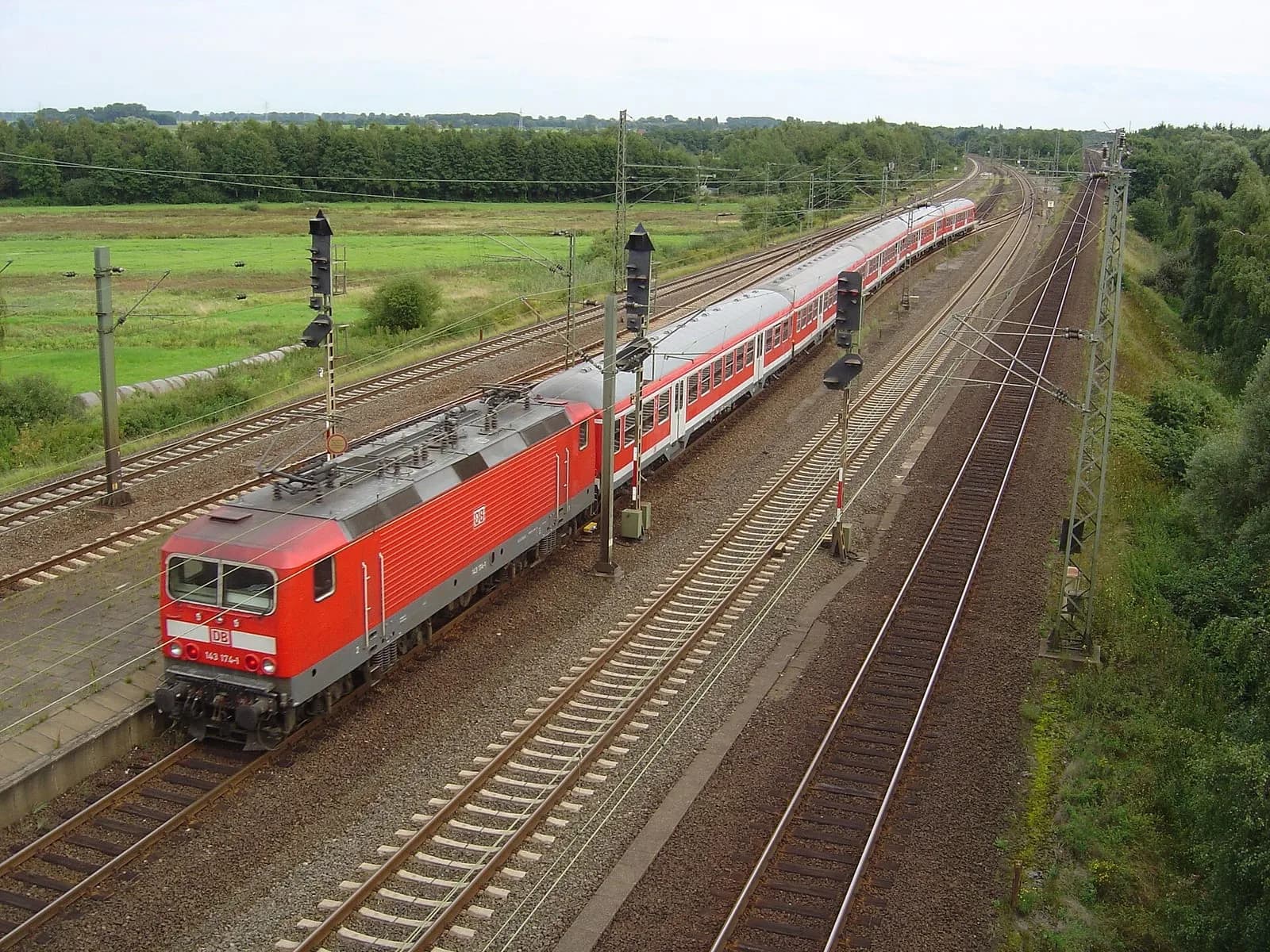
DB Navigator holds tickets bought from DB. deutschlandticket.de is a separate sales platform run by Transdev Vertrieb GmbH, and many regional transport companies and associations sell the same ticket at the same tariff through their own channels. DB's FAQ says the Navigator shows only the current month and that the display is what is used for use and inspection. That makes the app on your phone, not the email in your inbox, the working document.
This suits anyone who already uses Navigator for regional timetables, since ticket and journey planner sit together. The tip: note which seller you bought from, because that is where the ticket lives and where support will send you.
3. Treat wallet support as something to confirm, not assume
DB's FAQ and offer pages describe the Handy-Ticket in DB Navigator and say nothing about Apple Wallet or Google Wallet for a ticket bought from DB. If your seller offers a wallet pass, check its conditions to see whether the pass counts at inspection before you rely on it.
Margin note: a wallet pass is convenient on a locked screen, but BVG's conditions, as reported by iPhone-Ticker in 2025, say digital tickets are valid only in the app and on a working device. The clause itself was not quoted in that report, so read BVG's current Beförderungsbedingungen before relying on a wallet pass in Berlin. The same applies to any network you use.
4. Open the ticket before the inspector reaches you
The Navigator's Handy-Ticket displays only the current month: "Das Handy-Ticket zeigt immer nur den aktuellen Monat an." At the turn of the month, check that the new month's ticket actually shows. The code must be visible when you show it, so unlock the phone and open the ticket early, in the doorway rather than the moment someone in uniform arrives.
If the ticket disappears from Navigator, DB's FAQ says you can add it again under Reisen, using the subscription number from your activation email. Keep that email. It is the one piece of paper-like admin this ticket still has.
5. Carry the photo ID, even if you think it is overkill
DB's FAQ says you must show a valid photo ID on request ("auf Aufforderung immer einen gültigen Lichtbildausweis vorzuzeigen"), and that this holds when a chip card carries a photo as well. The DB Business FAQ adds that the ticket can be used only with an official photo ID and the registered name, which is why it cannot be lent to a friend. For children travelling alone, a student or photo ID is also needed, per DB.
For visitors and expats, the practical reading is to carry the document itself, since the FAQ says to show it and does not mention photos of documents. Make sure the name on the ID matches the name on the ticket. That is a precaution, not a rule quoted from a tariff text.
6. Do not rely on a screenshot
Netzwelt, in coverage dated 19 August 2026, reports that DB does not accept screenshots of Handy-Tickets as proof. The iPhone-Ticker report from September 2025 describes a student whose ticket was saved as a screenshot and rejected under BVG's rule. Both are press accounts, not the clauses themselves.
A screenshot is a tempting backup for a slow app, but on both accounts it does not replace the live ticket. Open the real ticket in the app before the check instead, as in note 4.
7. Know what the small print says if the phone dies
Netzwelt, in its article of 19 August 2026, covers the dead-battery case and cites § 6 of the EVO, the German railway transport regulation. It says that if the phone is empty, the app fails or the ticket will not open, the transport company may first charge a 60-euro surcharge. If you then show a valid personal ticket, it drops to 7 euros, a figure that already includes the processing fee. Netzwelt adds that for rail the EVO generally allows one week to show the ticket, that the inspection receipt states the exact deadline, and that missing it can bring extra dunning or collection costs.
Margin note: this is press coverage, not DB's or a Verbund's tariff text. iPhone-Ticker reported in 2025 that BVG works in a similar way, with a 7-euro processing fee for later online proof and possible collections if unpaid. Read your own network's conditions, because the operator and the tariff decide. This is general information, not a legal opinion.

8. Check where it is valid and what changes in January
The ticket is for local and regional transport. DB's FAQ says it is not valid on long-distance trains: "Im Fernverkehr ist das Deutschland-Ticket nicht gültig." As a local transport ticket it also does not cover IC or EC trains, FlixTrain or FlixBus, first class, or tourist and heritage railways. An inspector on an ICE will not care how well your app works.
The price is 63 EUR a month until 31 Dec 2026 and 66.80 EUR from 1 Jan 2027, as stated by bahn.de and the Hessen and Bayern ministries on 2026-11-14. DB's page also says existing DB subscribers must agree to the new price and supplementary terms by 30 November 2026, or the subscription ends on 31 December 2026. DB adds that travelling without a valid ticket from 1 January 2027 can bring a fare surcharge of at least 60 euros. Other sellers may handle the price change differently, so if you did not buy from DB, check with your seller. A ticket that quietly lapses is the most avoidable way to be caught without one.
The pocket checklist
Run through these before a trip, and again at the start of each month.
Know whether you hold a phone ticket or a chip card, because a chip card cannot be added to Navigator.
Open the ticket in your seller's app, because DB says the display is what counts at inspection.
Check that the current month shows, because the app shows only that month.
Keep the activation email with the subscription number, because it is how you re-add a vanished ticket.
Carry an official photo ID with the same name, because the ticket is personal and DB says to show it on request.
Do not use a screenshot, because DB does not accept screenshots according to Netzwelt.
Confirm wallet use with your seller and network before relying on it, because DB's pages do not mention wallets and the rules vary by network.
Charge the phone or carry a power bank, because a dead phone can first cost 60 euros according to Netzwelt.
If it still goes wrong, keep the inspection receipt, because it states your proof deadline.
Stay on local and regional trains, because the ticket is not valid on long-distance services.
One last note in the margin
The reassuring part is that the small print is mostly consistent: personal ticket, working device, photo ID. The soft part is everything that varies by seller and network, which is why the checklist keeps sending you back to your own operator's conditions.
Common questions
Which apps can hold a Deutschlandticket?
DB Navigator holds tickets bought from DB. Tickets from other sellers, such as the deutschlandticket.de platform run by Transdev Vertrieb GmbH, sit in that seller's app. DB's pages do not mention Apple Wallet or Google Wallet, so check with your seller.
Do I need to carry ID with the ticket?
Yes. DB's FAQ says you must show a valid photo ID on request, and the ticket is tied to the registered name.
What happens if my phone battery dies during a check?
Netzwelt reports a possible first surcharge of 60 euros, reduced to 7 euros if you later show a valid personal ticket within the deadline on your receipt, generally one week on rail. This is press coverage, so verify it against your network's terms.
Is a screenshot of my ticket enough?
No, according to Netzwelt for DB and iPhone-Ticker for BVG. Open the live ticket in the app.
Read next

TravelBuying guide
Cruise cover annotated: cabin confinement, missed port and itinerary change
Three cruise clauses read against Avanti's cruise page: what each pays, where versions of the page differ, and the questions to put to the wording first.

TravelBuying guide
Flight cancelled by snow? Six myths about what UK261 still owes you
Snow can cancel your compensation, but not the meals, the hotel or the refund-or-reroute choice. Six winter-delay myths set against the CAA's own wording.

TravelBuying guide
A winter abroad: what to check in a long-stay travel insurance policy first
Before three months away, read the margins: trip-length caps by age, health changes mid-stay, returning home, and what the GHIC does not cover. Annotated, not advised.